A technical media by a full stack engineer with low vision. / Cross-platform development with Claude Code

Ryusei.IO
  • Home
  • GitHub Profile
  • X Profile
Ryusei.IO
  • Home
  • GitHub Profile
  • X Profile

Image Editing - Article List

Filtered Article List by Tags (total: 4)

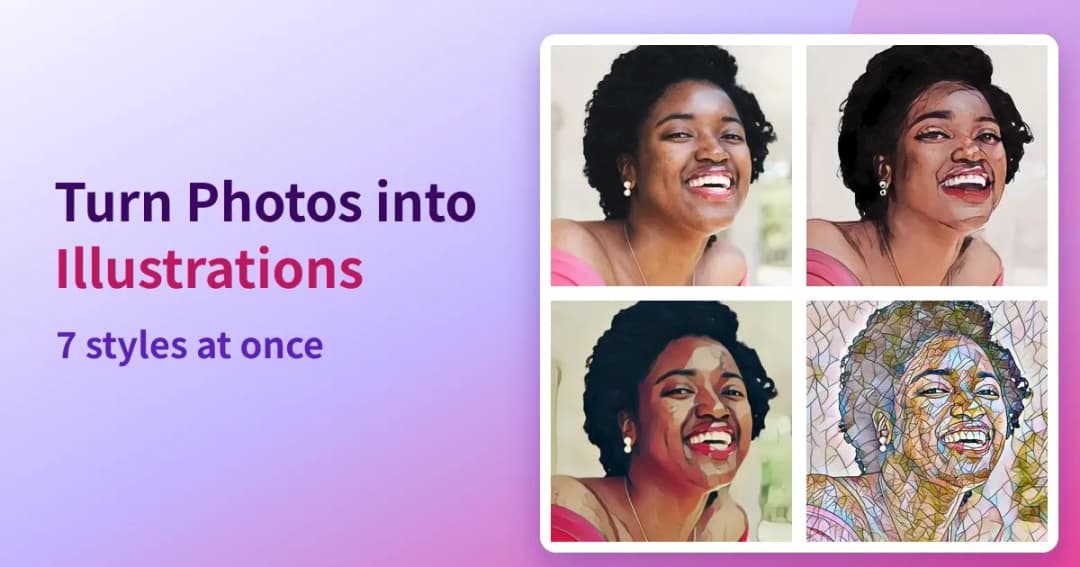
A photo alongside four generated versions in illustration, anime and mosaic styles

How to Turn Photos into Illustrations and Anime Art|7 Styles at Once, No Upload

How to turn a photo into an illustration, anime or painting for a social media avatar. Seven styles are generated at once so you can pick, everything runs in the browser, and the photo is never sent anywhere. Includes measured timings against an image-generation AI (a diffusion model).

Sep 18, 2026, 6:14 PM
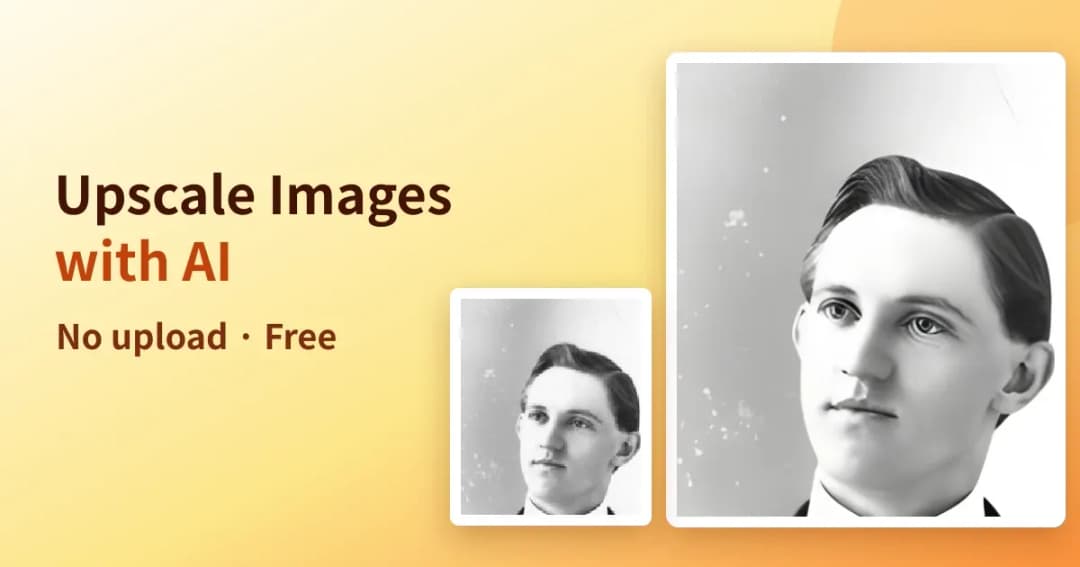
A small photo next to a larger, sharper version produced by AI upscaling

How to Upscale Images with AI|No Blur When Enlarged, No Upload

What to do when a small image turns blurry the moment you enlarge it. Here is how to upscale 2× or 4× with AI entirely inside your browser, with a side-by-side against a plain resize and the processing times I measured.

Sep 18, 2026, 12:55 PM
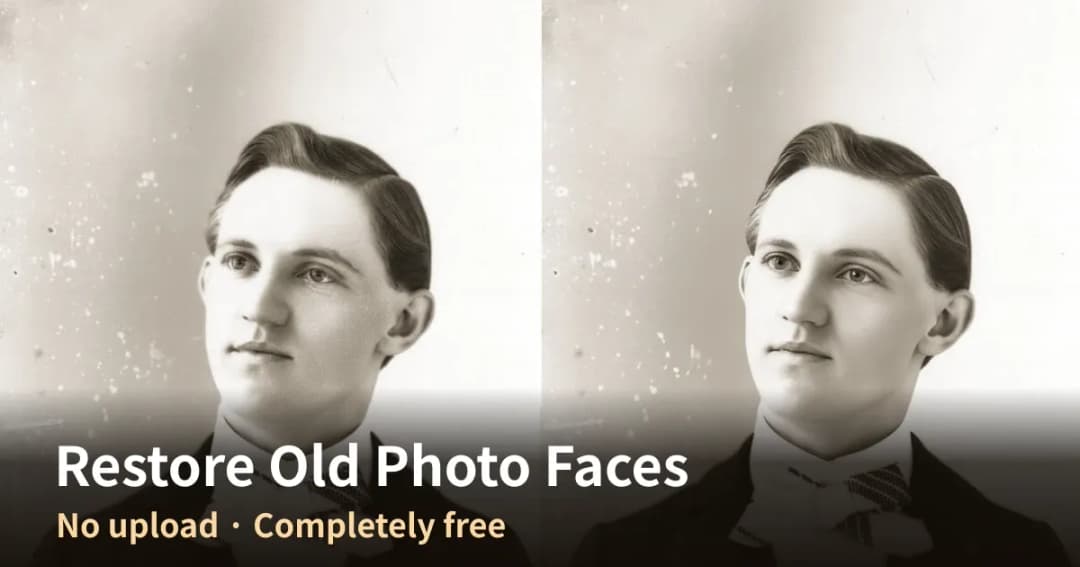
A portrait from around 1900 shown side by side, with the right half restored by AI and visibly sharper

How to Restore Faces in Old Photos with AI|Free, No Upload, Entirely in Your Browser

How to restore a scanned old photo whose faces have collapsed into grain, or a picture that blurred when enlarged. Everything runs inside the browser, so the photo is never sent anywhere, and there is no account and no fee. Group photos are handled in one pass.

Sep 18, 2026, 10:16 AM
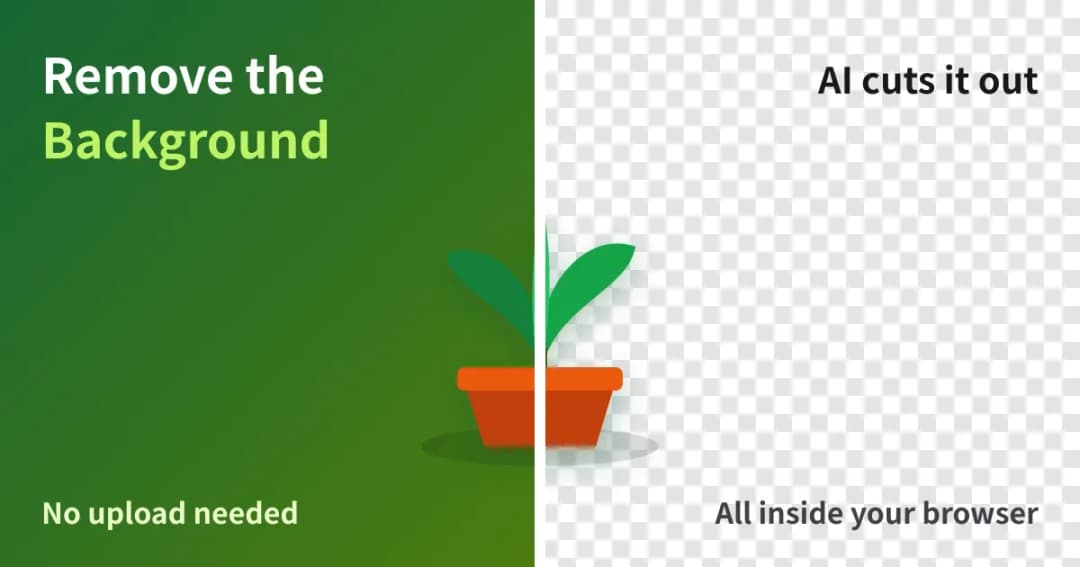
A photo with its background on the left half and removed on the right half

How to Remove an Image Background | Free, No Upload, People and Products Alike

Removing the background from an image does not require uploading it anywhere. Here is how to cut out people and products with AI running inside your browser, which of the two models to use, and the processing times I measured.

Sep 17, 2026, 3:02 PM

Tips (total: 0)

No matching Tips found.

Promotions

promotion banner
promotion banner
promotion banner
promotion banner

Profile

Profile Picture
Ryusei
GitHubProfile

Despite being visually impaired with one nearly completely blind, he works as a full-stack engineer.

I primarily use TypeScript and Rust for developing web applications and desktop applications.

I also have an interest in AI and machine learning, and am working on projects that utilize these technologies.

Our website publishes technical articles and tutorials, offering content suitable for users ranging from beginners to advanced users.

If you have any questions or requests for work, please don't hesitate to contact us.

Work (Coconala)

Categories

  • iconPython
  • Framework
  • Web App Dev
  • iconTools
  • iconIline Developer
  • iconX (Twitter)
  • iconTauri
  • Image Editing
  • Video Editing
  • iconTypeScript
  • iconHosting
  • iconJob Change
  • iconNext.js
  • Desktop App Dev
  • iconTranscription
  • iconPrograming
  • iconRust
  • Home
  • Privacy Policy
Copyright © 2026 Ryusei. All rights reserved.